home inventory with HomeBox

find anything in my storage unit from my phone
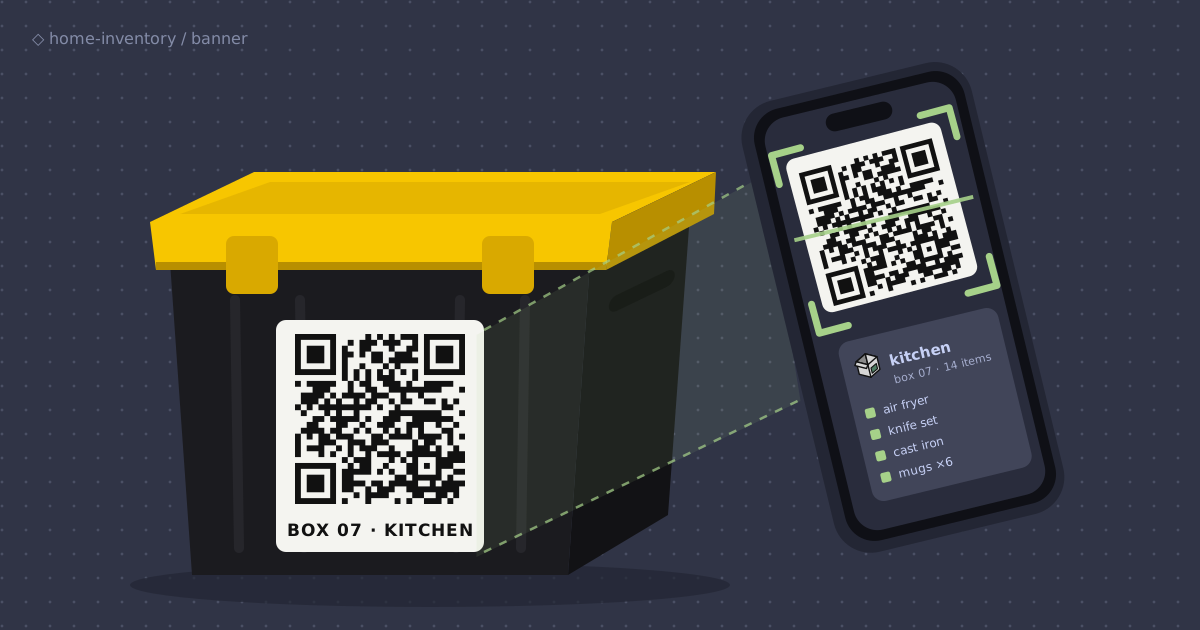
too much stuff, not enough space
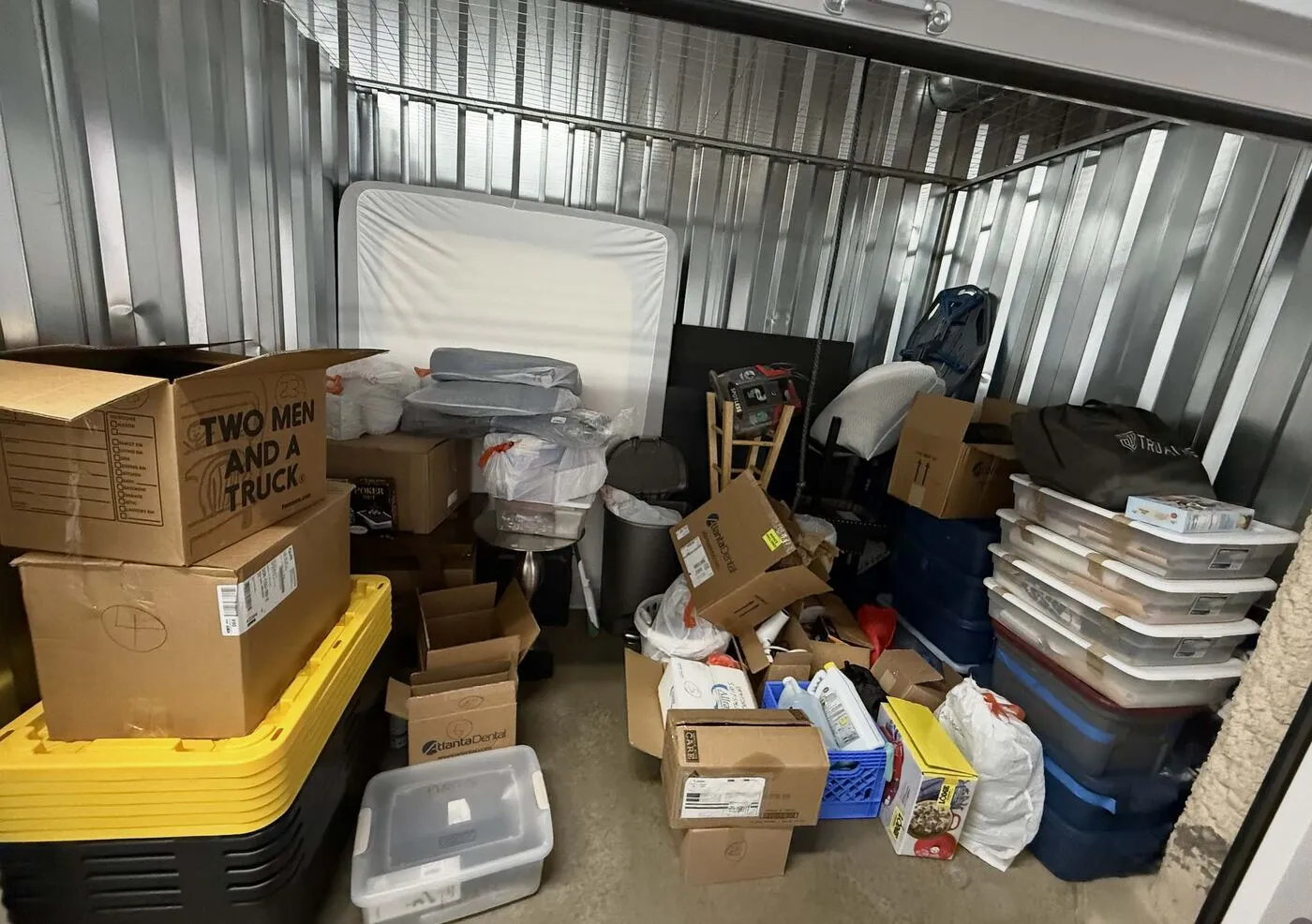
I graduated in the Spring and am now crashing on my parents’ couch in a small 1bed/1bath condo. There isn’t nearly enough space for all my things because i consumermaxxed all throughout college. I need to organize my belongings in storage totes that will live in a leased storage space.
analog era
moving from apartment to apartment in college. i would simply put my stuff in a cardboard boxes, write down the category of the box (ex: kitchen), and jot down the individual elements. however, this isn’t optimal because i
- don’t want to have carry around a notebook to add/look up items
- don’t want to write down items with pen/paper (i can type pretty fast 😎)
- need something where i can quickly search for the item i need
the next path forward is to track everything digitally
enter HomeBox
i initially planned on just vibe-coding a basic front end for this app and deploying on a serverless platform like Vercel or Netlify and calling it a day. that was until i stumbled upon a HomeBox, a FOSS application for this exact purpose written in Go. i love creating my own solutions for things but only out of necessity. so if something already exists and it works good, i’m using that. i’m not going to reinvent the wheel.
deployment? i could still deploy my homebox setup into a serverless platform, however, i already have a Tailscale tailnet setup with some running servers. also, it seems like self-hosting is what the cool kids are doing so why not use what i already have and give it a shot
how HomeBox models my stuff
locations are boxes

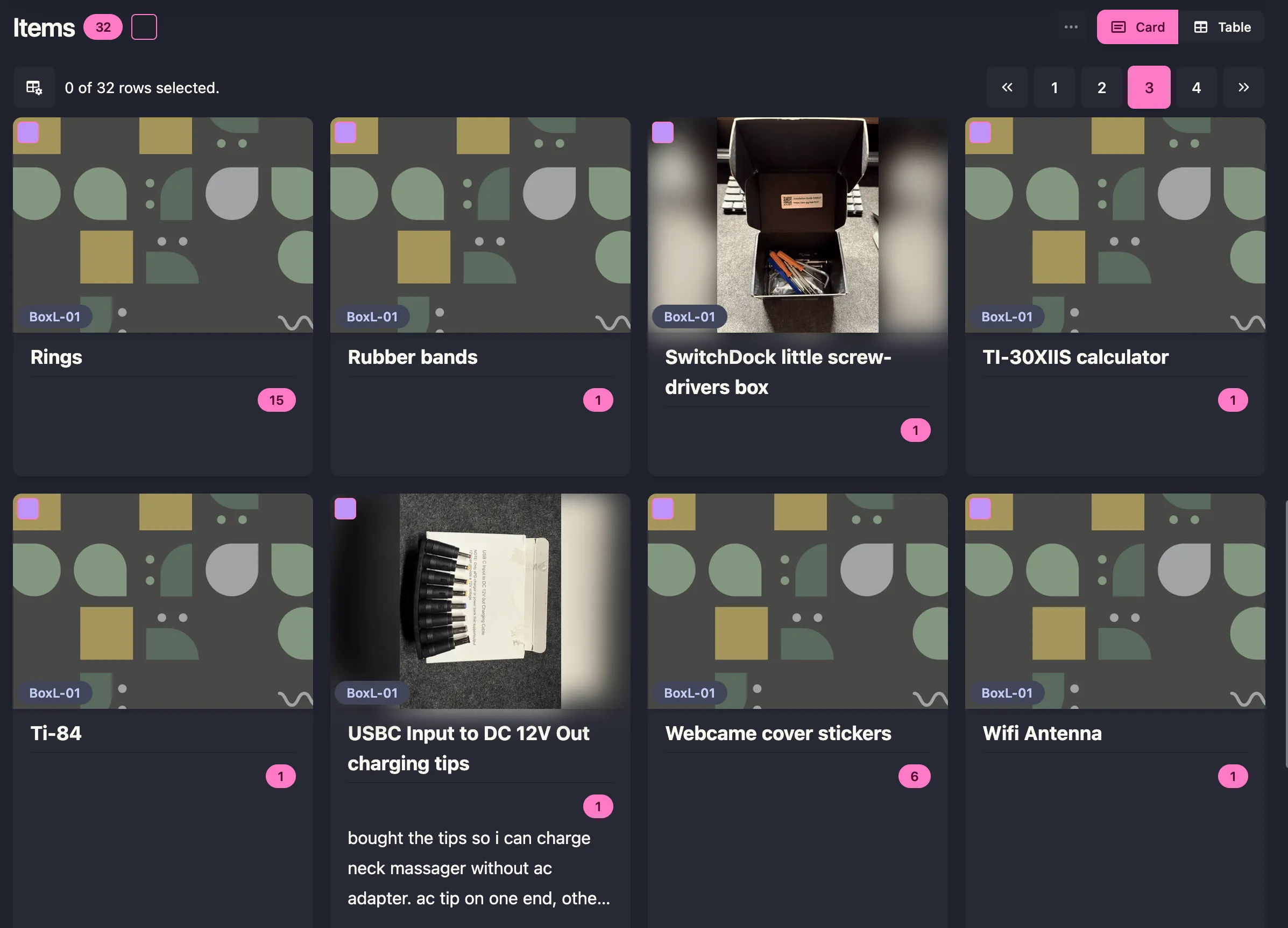
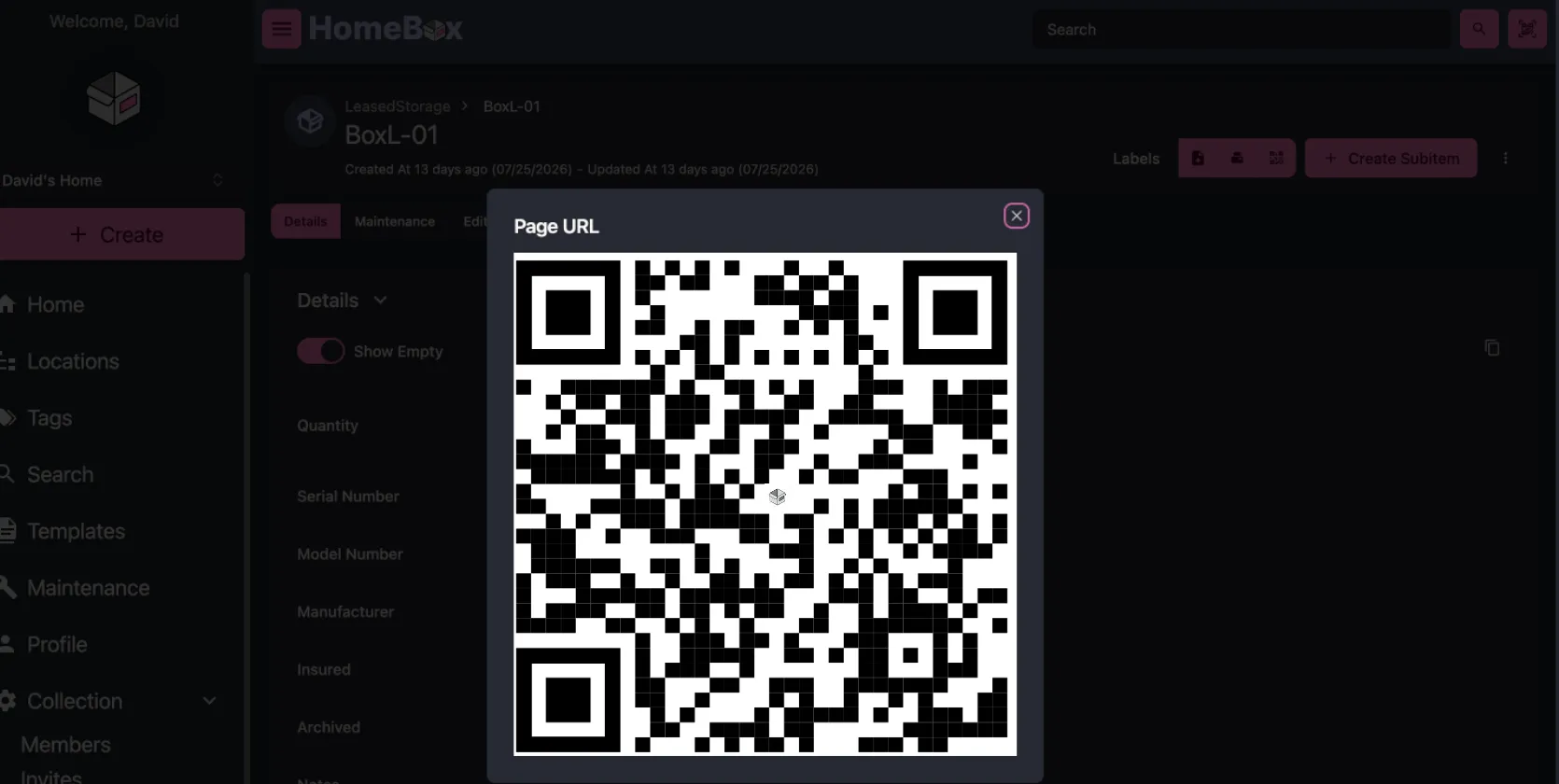
a QR code for every box
so if i am ever physically near a box and want to see what’s inside (storage totes are not transparent), i can scan the qr and it will take me to this page. 1 more later on how to to actually print this.
running it locally (without Docker Desktop)
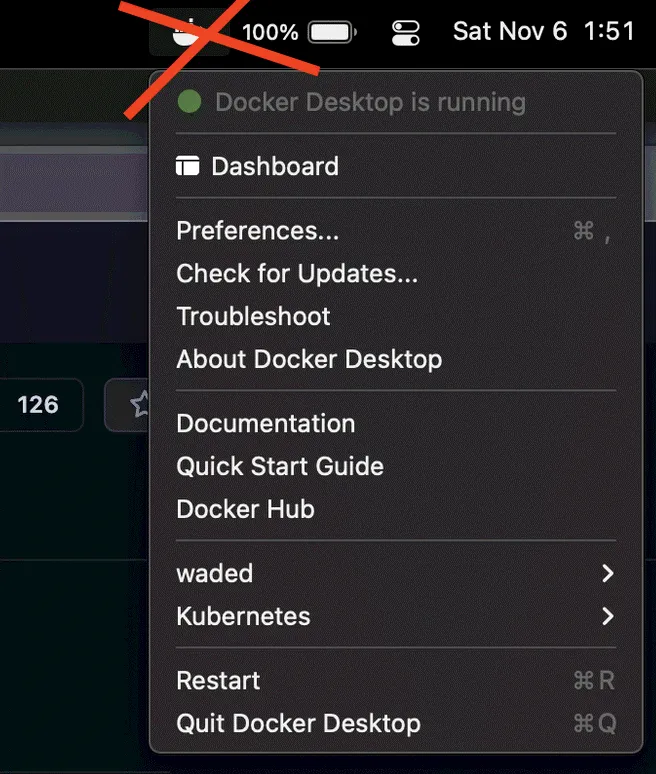
per the docs, the preferred installation is installing a docker container. i took me until now to realize that i need to have docker desktop running in macOS for containers to run or else i would get a docker daemon error. first roadblock. i try to avoid GUIs where i can. it’s counterintuitive to have a desktop application open in the background to use docker in my terminal.
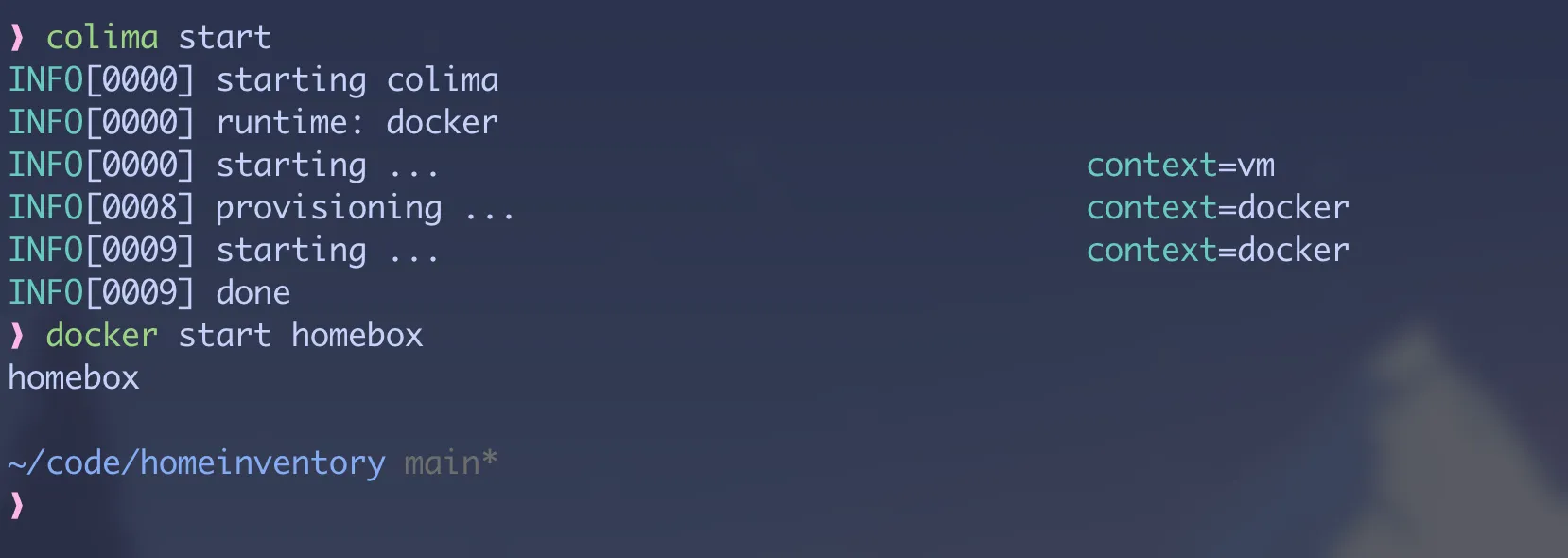
thankfully, Colima, takes care of this. setup is super simple
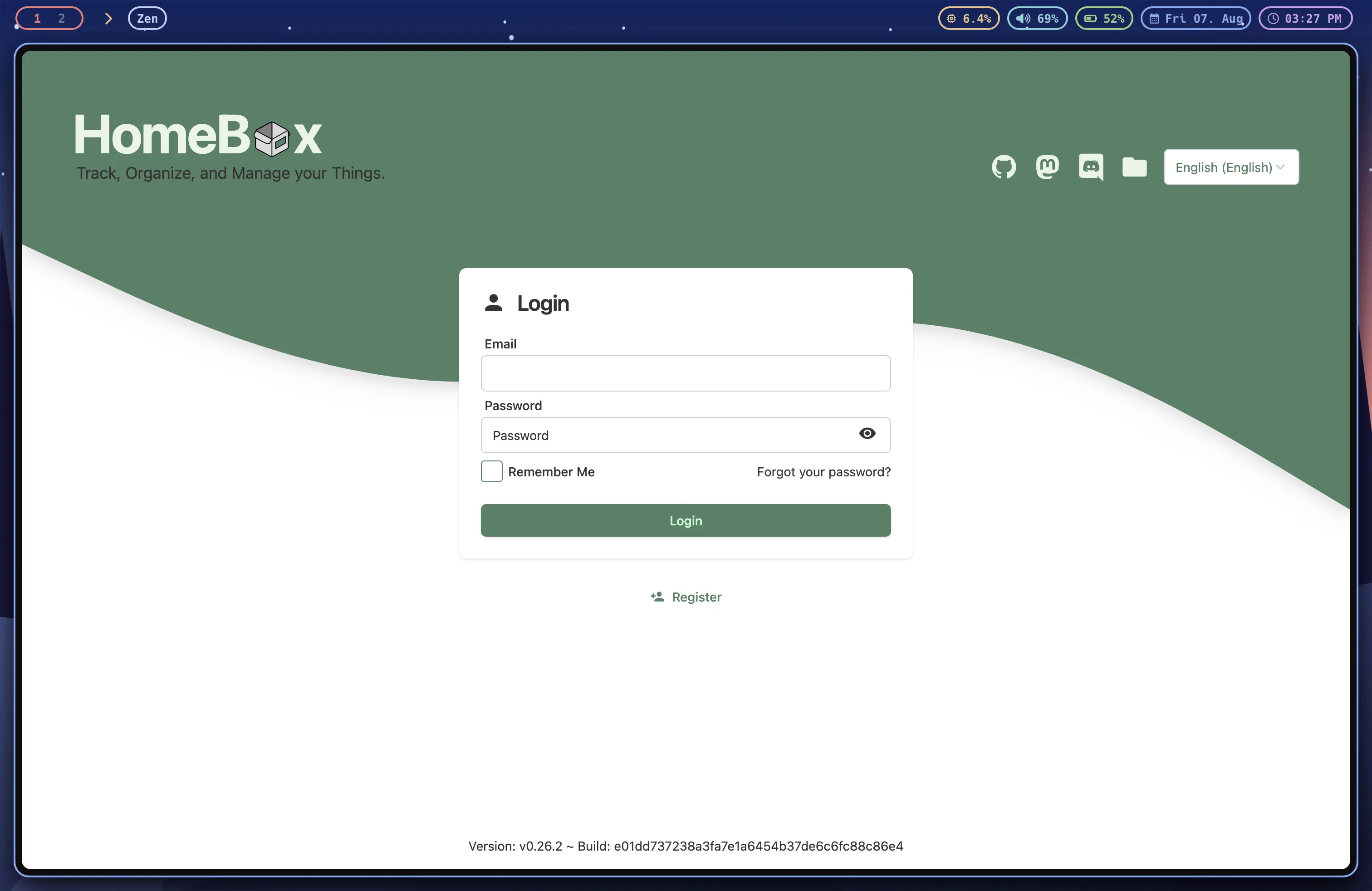
brew install colima docker docker-composedocker context use colimaand now we can run the docker container without docker-desktop. goodbye menu-bar icon.2 after editing the basic compose.yaml file and running docker compose up -d. we are up and running with HomeBox.
so how do we print the labels?
deploying on home server
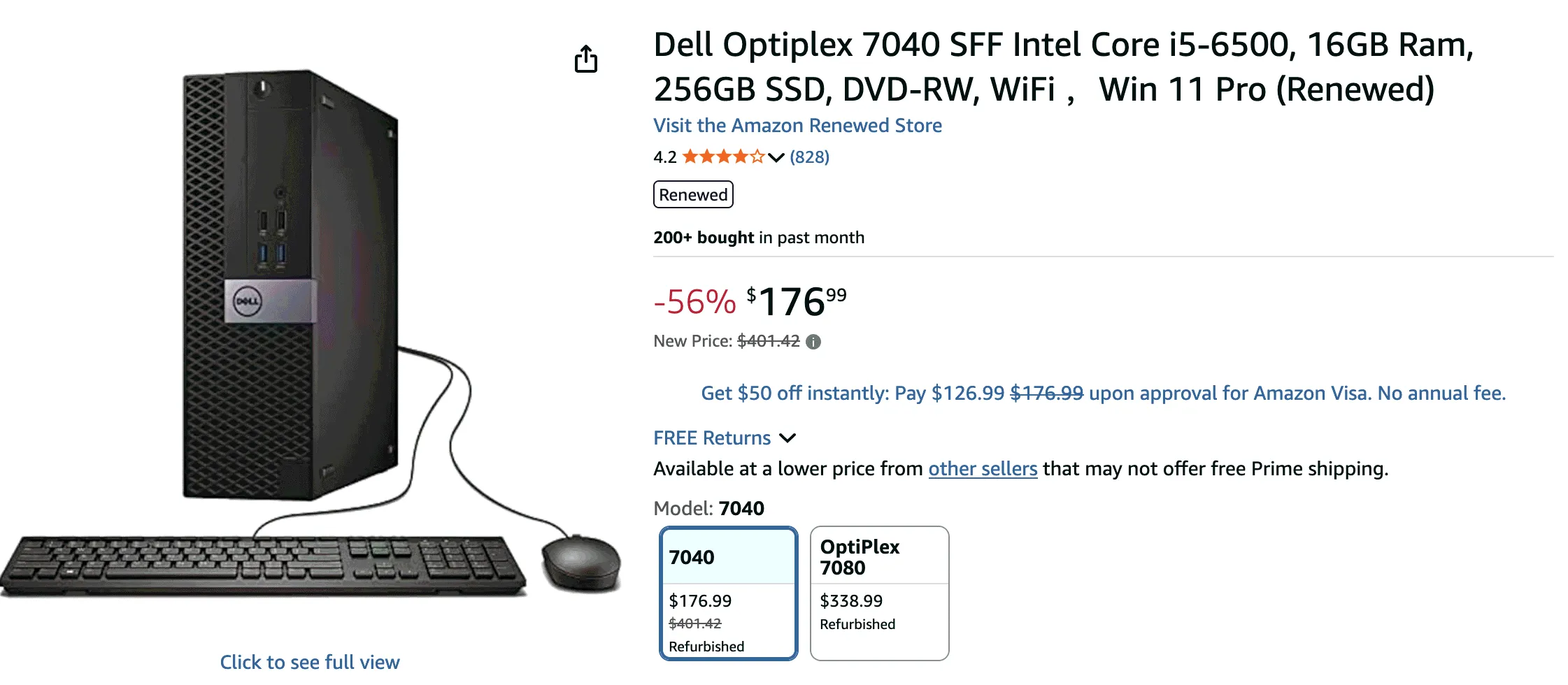
now that HomeBox is running, how are we using it? this can’t live on my macbook, so i need to deploy on a homelab i have tagged in tailscale as optiserver. this is just a Dell OptiPlex i got on sale off Amazon3